30-day satisfaction guarantee or your money back
Call us : +33 257 880 074
 en
en 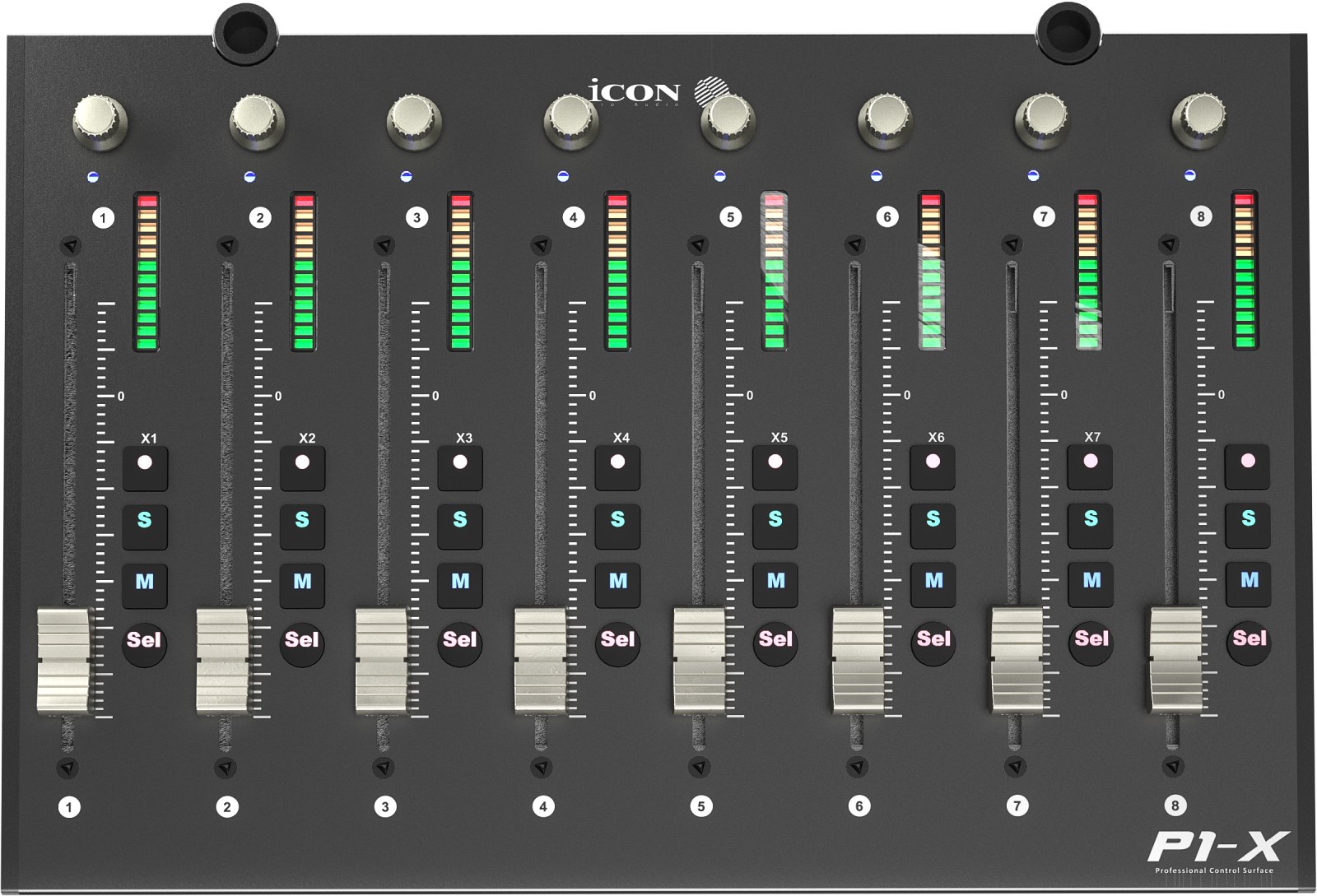
The Icon P1-X follows a simple logic: build a DAW control surface tailored to your needs, starting from a main module (P1-M) and then adding extra channels as your sessions become more ambitious. This modular approach maintains a consistent ergonomics (same fader feel, same visual cues, same per-channel controls) while increasing the number of accessible tracks without constantly switching pages in your audio workstation.
The P1-X is also designed to evolve with the optional D4 display. This screen extension provides more immediate reading of track information (names, pan, and parameters), improving decision speed during mixing and fluidity during editing.
The P1-X is aimed at producers, mixers, film composers, and demanding home studio users who want to regain "console" reflexes in a software environment. If you regularly mix dense projects (multi-mic drums, orchestral arrangements, large synth templates, vocal sessions with many doubling tracks), adding 8 physical channels drastically reduces mouse operations and bank changes.
During recording, dedicated buttons (record, solo, mute, select) speed up take management, while motorized faders facilitate writing natural automations by touch, with instant position feedback as soon as you switch tracks or sessions. In post-production or sound design, simultaneous access to multiple stems and buses becomes more comfortable, especially when using levels and pans as true tools for sonic storytelling.
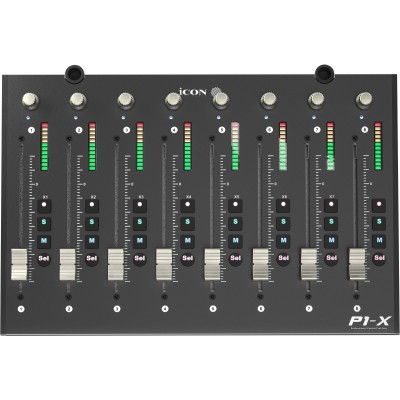
Each P1-X module adds 8 motorized touch-sensitive channel faders with 12-bit resolution. Practically, this means more precise level management, useful for fine adjustments on vocals, reverbs, or parallel buses, and a more musical control of automations. The motorized feature guarantees total consistency between physical position and DAW value, preventing "jumps" and securing your settings when changing banks.
The P1-X integrates on each channel strip a level indicator, a dual-function encoder, as well as essential illuminated buttons (record, solo, mute, select). This layout puts the essentials at your fingertips: navigate, arm, isolate a track, control a parameter, then return to the mix without breaking your concentration. For a performance-oriented workflow (real-time automation writing, volume rides, pan adjustments), the ergonomics become more direct and instinctive than with exclusively on-screen control.
Compatibility relies on the Mackie Control Universal and HUI protocols, two widely used standards for communication between control surfaces and audio workstations. This facilitates integration into many environments while maintaining a familiar control logic: banks of 8 channels, quick access to basic commands, and consistent behavior from session to session.
Note: expandability (the number of extenders you can add) also depends on your DAW and its control surface management. If you plan a multi-extender setup, check software support to fully exploit your configuration's potential.
The P1-X uses a USB-C port for easy integration into a modern setup and offers two footswitch inputs (6.3 mm jack) to trigger foot actions (e.g., punch in/out, play/stop, talkback depending on your assignments and DAW). Finally, the D4 option lets you add an extra level of readability, particularly useful when managing many tracks, buses, and headphone mixes.