30-day satisfaction guarantee or your money back
Call us : +33 257 880 074
 en
en 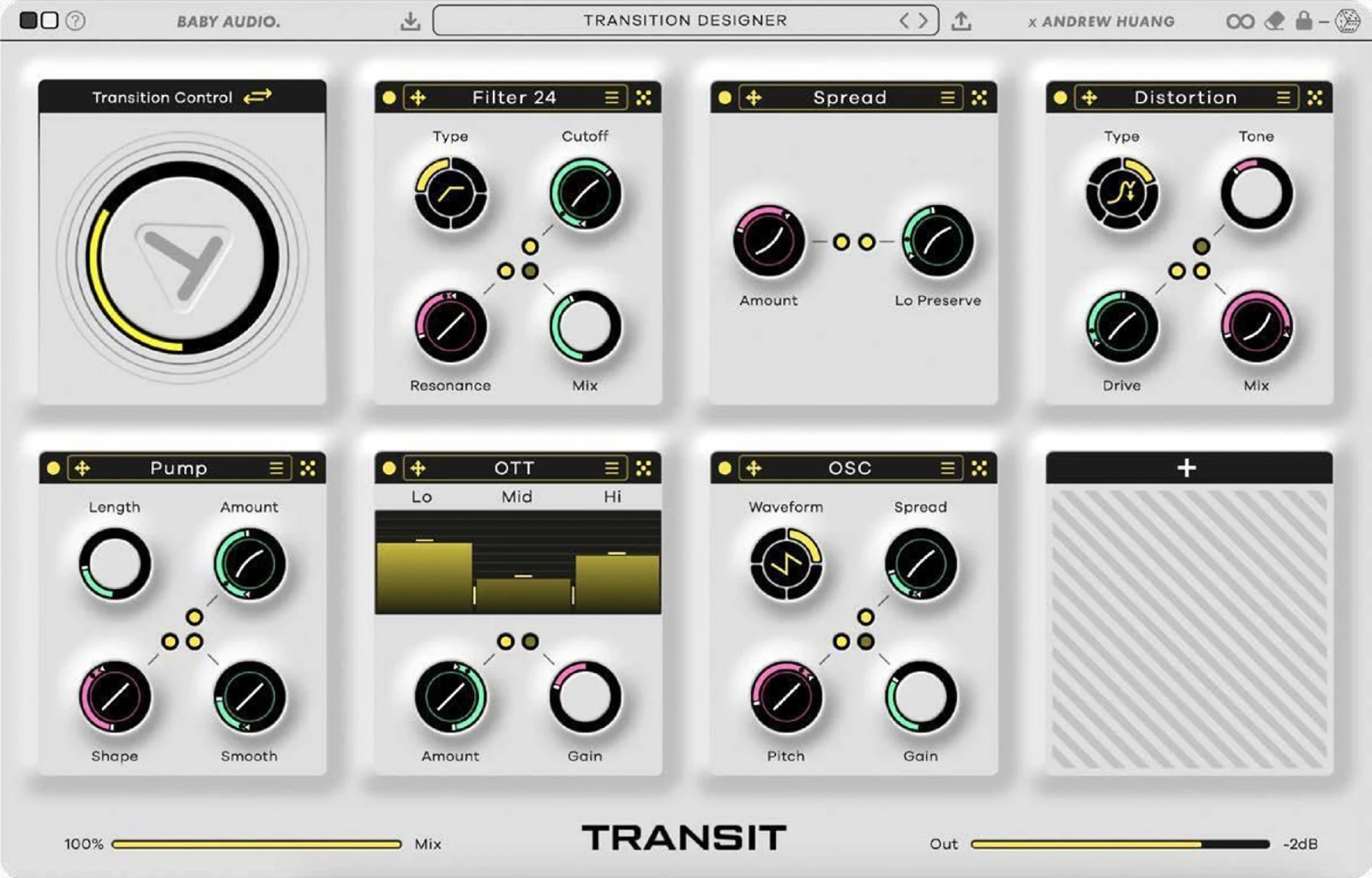
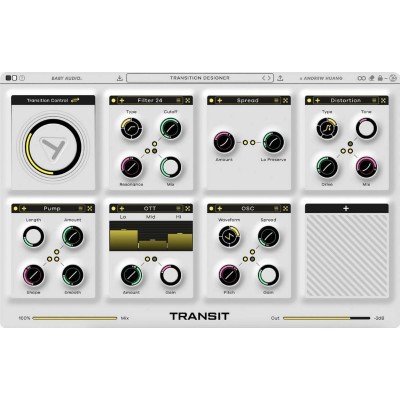
Baby Audio Transit 2 is a motion effects plugin designed to create powerful transitions between sections of a track, as well as to add continuous rhythmic animation to sources lacking movement (pads, guitars, pianos, drum buses, vocals). It is aimed equally at electro and hip-hop producers, sound designers, composers, and mixers who want to add depth to their arrangements through build-ups, drops, washouts, glitches, and evolving textures-all without getting lost in a forest of automation lanes.
Transit 2 was born from a creative collaboration between Baby Audio and Andrew Huang. The goal is clear: to replace complex effect chains with a single, fast-to-adjust tool capable of shifting from subtle "mix" effects to spectacular "stage" transitions in seconds.
Macro groups the movement of your effect chain behind a single control: perfect for automating broad build-ups and transitions. LFO generates rhythmic animations synchronized to your DAW's BPM or free-running in Hz, for pulsing, wavering, or stuttering effects. Follower tracks the input signal's dynamics to create "breathing" treatments: the more intense the sound, the more the chain evolves (ideal on vocals, drum buses, or expressive instruments).
With Sidechain, the motion reacts to an external source in your session to go beyond simple ducking: you can move filters, delays, textures, or glitch-type effects in sync with a kick. Gate is designed to trigger instant transitions, particularly useful in live performance, with the option to assign a controller for more tactile play. Finally, Sequencer launches transitions synchronized to the grid, aligned to the next beat/bar for perfectly timed starts.
Transit 2 includes 28 modules that you can freely add and rearrange in the chain. The palette covers modulation, degradation, vintage colors, reverb, delay, multiple filter types, and even an oscillator and noise generator to design richly textured sweeps and risers. Each parameter can remain static or be linked to the motion mode, and the slope control allows you to apply a specific rise/fall curve to each control for a more musical and less "linear" result.
Creative transitions play a key role in maintaining listener attention: build-ups, impacts, filter toggles, tape effects, reverse, stutter... Usually, this involves multiple plugins and a challenging amount of automation to manage. Transit 2 condenses this approach: you can morph several modules at once (up to 7 effects transforming simultaneously according to your settings) and achieve a complete sweep by automating a single control, while retaining control over the depth and musicality of the movement.
Transit 2 comes with over 400 presets designed by Andrew Huang and sound designers, covering both spectacular transitions and subtle mix animations. To quickly explore new ideas, the flexible randomization engine lets you set random ranges and lock certain parameters so only specific areas of the plugin are randomized. The result: you iterate quickly without losing your musical intent.
This version adds new motion modes (LFO, Follower, Sidechain, Gate) and 10 new effects to expand the toolbox. You can also link the global mix and output level to the motion mode to manage intensity build-up and volume perception during transitions without needing compensation elsewhere. All this comes with a workflow- and performance-oriented redesign to stay creative without breaking your flow.