30-day satisfaction guarantee or your money back
Call us : +33 257 880 074
 en
en 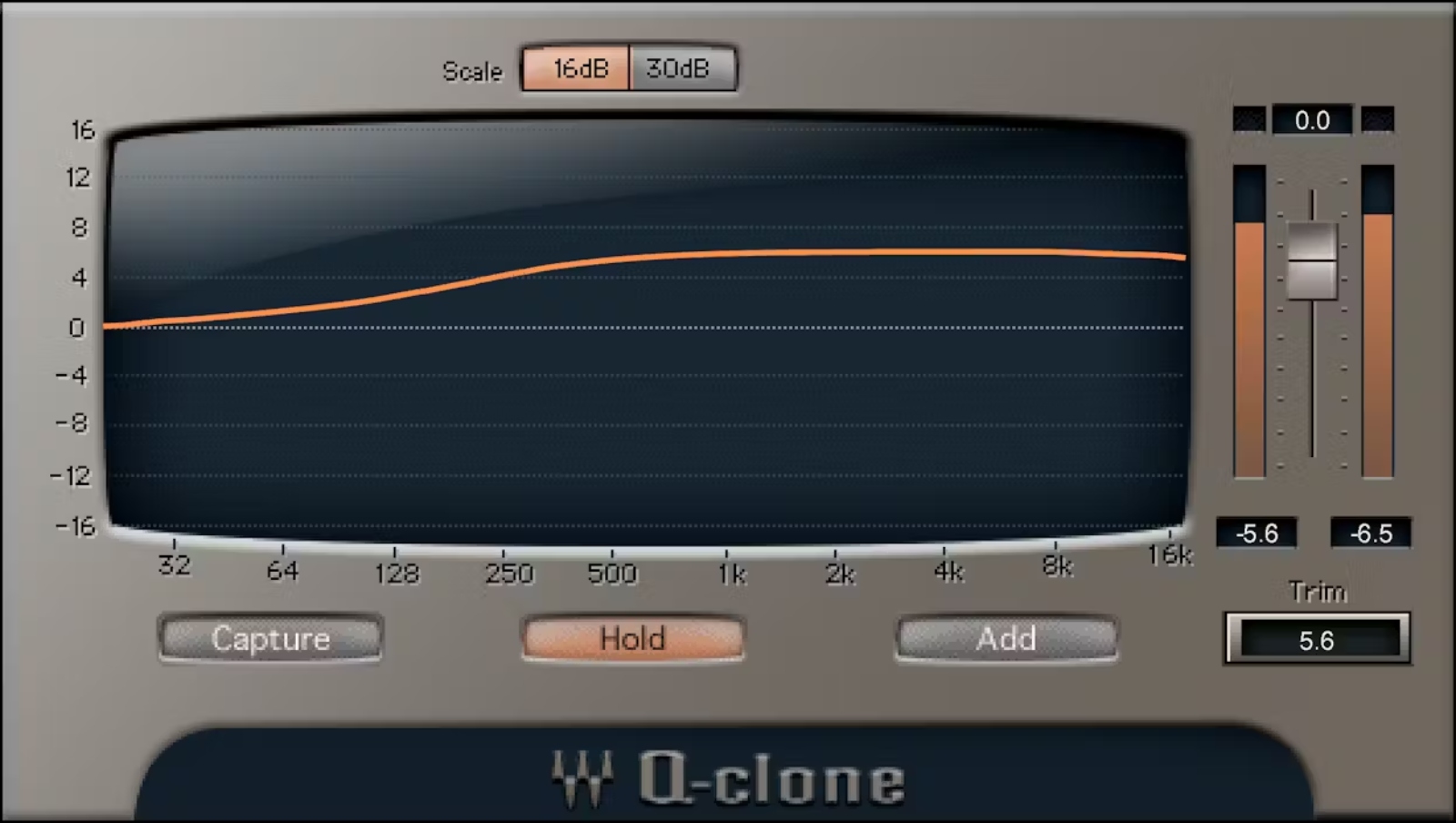
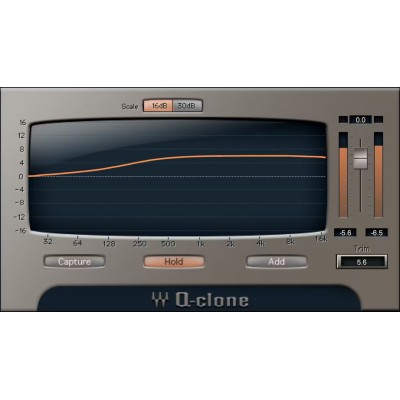
Waves Q-Clone is a plugin designed to faithfully reproduce equalization curves to apply them in your digital audio workstation as if it were a software EQ. The goal is simple: preserve the color and frequency response of your analog settings (or "characteristic" curves) while enjoying the convenience of digital: instant recall, multiple instances, and full integration into a modern production workflow.
It is aimed at sound engineers, producers, and mixers who want to import the character of hardware (or classic curves) into their sessions, whether for processing vocals, guitars, drums, synths, group buses, or mastering chains. Q-Clone also fits very well into a template workflow: you capture once, then reuse the same curve across all your projects.
The Q-Capture / Q-Clone duo is designed to overcome three common limitations of external equalizers: only one hardware instance available at a time, no presets recallable with one click, and a curve often invisible (or different from what the panel markings suggest). With this approach, you recover the EQ's signature as a preset, then freely deploy it in your DAW.
Q-Capture "samples" the curve of your EQ (hardware or certain processors) and allows you to save it as a Q-Clone preset. Once the curve is captured, you can insert it into your session like any plugin: no need to reprint audio with every adjustment, and you keep a reliable recall of your settings, even on long sessions or projects with multiple revisions.
In practice, Q-Clone helps you duplicate the same EQ profile across many tracks: for example, an "air" color on several vocals, a recurring corrective curve on guitars, or an EQ imprint on drum buses. You save time, standardize your sonic choices, and avoid routing constraints associated with outboard gear when processing multiple sources.
One major advantage is the graphical representation of the actual applied curve. This is especially useful when an analog equalizer reacts non-linearly, when band interactions modify the result, or when panel markings are approximate. Q-Clone lets you work faster, with better insight into the processing, while preserving the aesthetics of the captured curve.
Q-Clone facilitates creative work: you can blend curves from different EQs to build a custom preset tailored to a specific source. This "mix and match" logic is ideal for shaping a tone: one curve for low-mid density, another for high-frequency openness, and a third for surgical correction.
For certain uses, Q-Clone offers virtual cables allowing you to clone plugins without going through an audio interface. This method simplifies internal routing, speeds up A/B testing, and makes capture more accessible when working on the go or with a compact setup.
In addition to capture, Q-Clone includes a large collection of presets based on vintage equalizers. This makes it a relevant tool not only to "clone" your own hardware but also to quickly retrieve classic EQ signatures without interrupting your creativity during composition, editing, or mixing phases.