30-day satisfaction guarantee or your money back
Call us : +33 257 880 074
 en
en 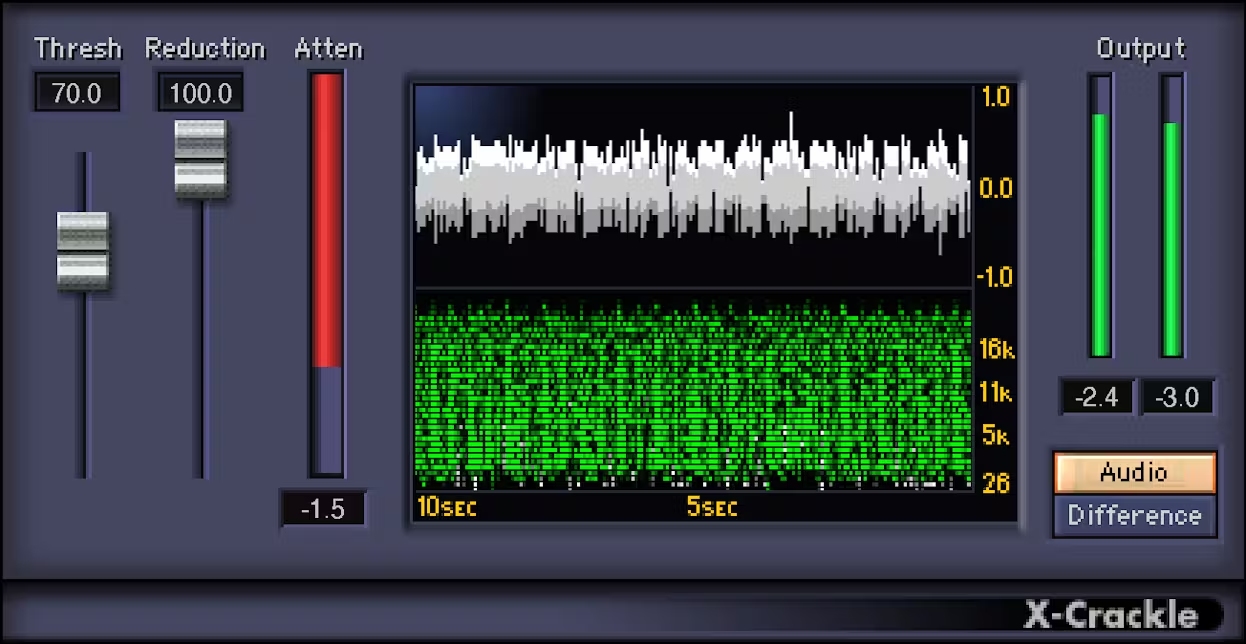
Waves X-Crackle is an audio restoration plug-in designed to remove crackles and surface noise present on sources such as digitized vinyl, old tapes, archives, interviews, or damaged recordings. It integrates perfectly into post-production, mastering, or pre-mix cleaning workflows when you want to achieve a cleaner listening experience while preserving the original character and dynamics. Ideal for studios, podcasters, sound editors, and musicians working from "historical" takes or imperfect captures.
X-Crackle allows you to choose the attenuation level of crackles, from light processing (to preserve as much of the source texture as possible) to more intensive treatment when artifacts are very present. This approach helps you finely tune the cleaning according to the style (jazz, classical, spoken word, sampled electronic music, etc.) and the level of media wear.
The threshold control manages detection sensitivity: you adapt the plug-in to subtle or very pronounced crackles. The goal is to catch unwanted artifacts without "biting" into useful transients (snare drum attacks, voice consonants, pizzicatos, etc.).
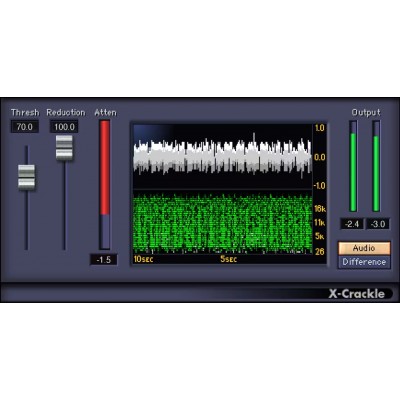
Thanks to the X-Crackle Scope dual-window, you can visualize the original waveform as well as a spectrogram highlighting the crackles being reduced. The correlation between the display and threshold setting facilitates fine-tuning: you quickly see if the processing is too timid or too aggressive.
An Attenuation meter displays the amount of reduction applied. This is a simple reference to compare several settings, maintain consistency across different tracks, and ensure transparent processing within a restoration chain.