30-day satisfaction guarantee or your money back
Call us : +33 257 880 074
 en
en 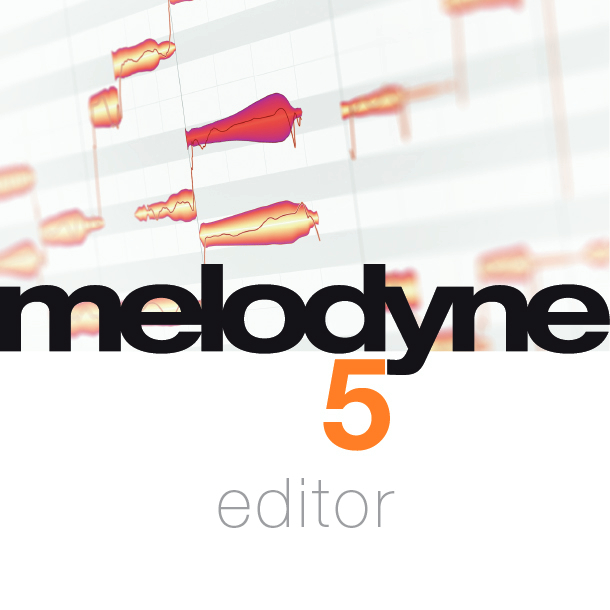
This version is an upgrade (UPG): owning Melodyne Assistant (any version) is required to be eligible for the upgrade. Software is delivered as a download: your serial number is provided on your invoice.
Melodyne 5 Editor is a reference tool for vocal correction, fine editing of instrumental takes, and sound design from audio. It is aimed at producers, engineers, and musicians who want to correct a performance without altering its character, improve rhythmic placement, or transform a recording into creative material. Thanks to polyphonic editing, it is also powerful for adapting samples (harmonic loops, chords, recorded instruments) to the chords of your production.
Melodyne's workflow is based on a note-by-note representation of audio, making editing extremely intuitive: you directly manipulate pitch, duration, placement, and dynamics as if working "from the inside" of a performance. The result remains musical, with fine control suited for both subtle corrections and deliberate effects.
The award-winning DNA (Direct Note Access) technology allows editing of polyphonic sources: you can isolate and modify individual notes within a chord, adjust harmony, or match a sample to the harmonic grid of your track. This is a major advantage for modernizing takes, correcting inversions, or getting the most out of a sample library.
Melodyne 5 Editor offers several dedicated algorithms to optimize detection and rendering quality depending on the content: Melodic (with sibilant detection for cleaner vocals), Percussive, Universal, and Polyphonic. You select the most appropriate tool for lead vocals, bass, guitar, piano, percussion, or loops.
To speed up studio work, Melodyne includes a track and chord grid with automatic chord recognition, tempo detection and editing functions, as well as macros dedicated to optimizing pitch, timing quantization, and leveling. The inspectors provide quick access to all parameters, ideal for chaining edits with consistency and precision.
Melodyne 5 Editor enables exporting polyphonic audio signals to MIDI to double parts, control virtual instruments, or reconstruct harmonies. Regarding integration, it works standalone or as a plugin (VST 3, AU, AAX) and supports ARA (Audio Random Access) when your DAW allows it, for smoother access to audio files and faster workflow.