30-day satisfaction guarantee or your money back
Call us : +33 257 880 074
 en
en 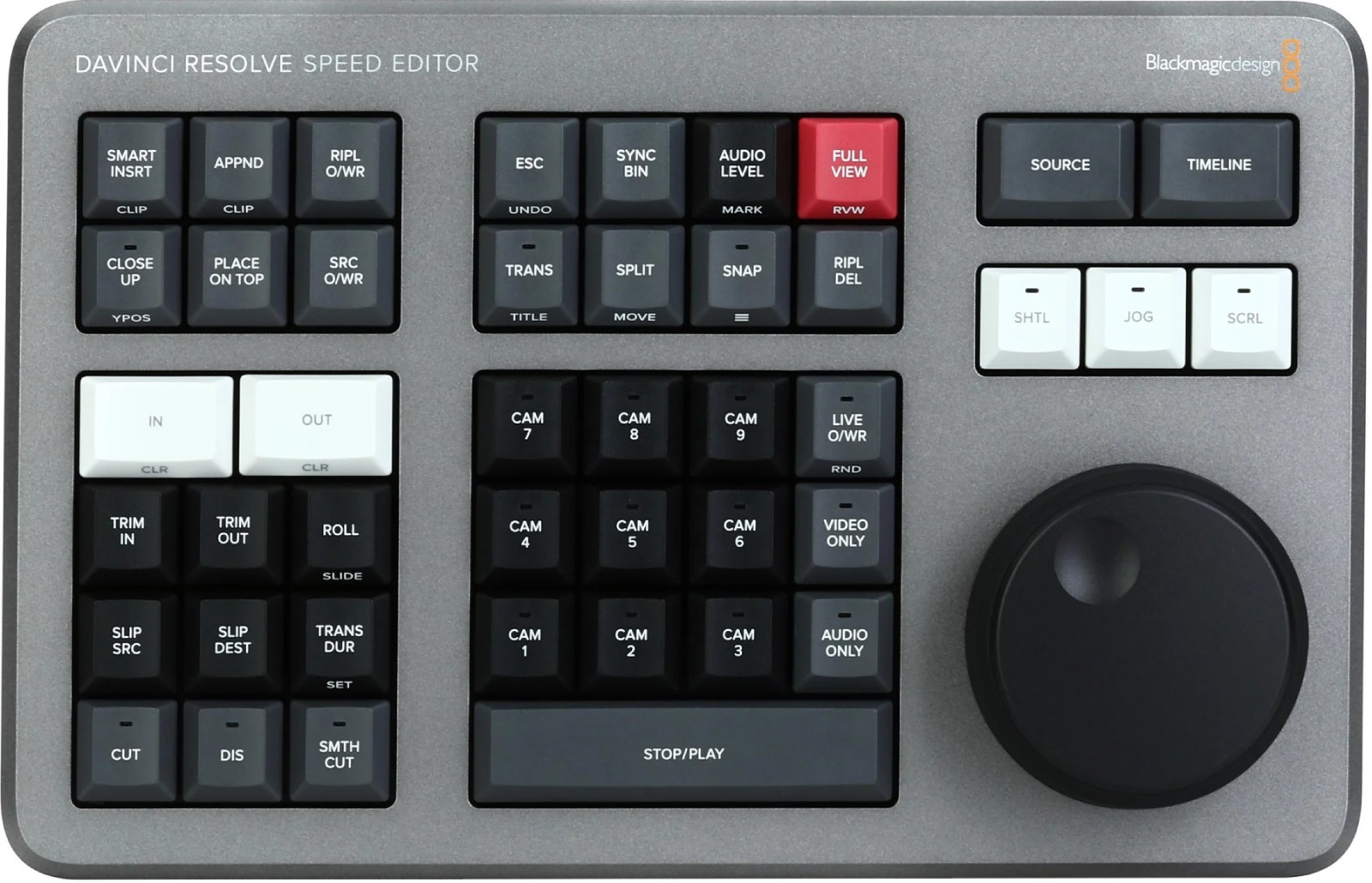
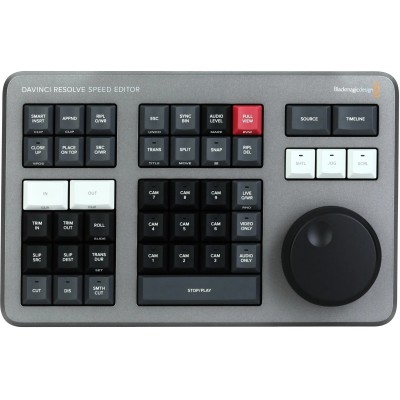
Positioned alongside the full-size "Editor Keyboard," the Speed Editor includes the essential editing controls in a compact and robust chassis. It offers the tactile experience and smoothness of linear editing while remaining easy to slip into a bag for shooting, a news room, or a mobile post-production suite.
Ideal for documentaries, journalism, corporate, and web creation, this controller drastically reduces clicks and cursor movements. Editors working under tight deadlines appreciate its responsiveness and the precision of its wheel for setting points, performing trims, and instantly navigating through long multicam footage.
The large notched wheel provides a natural jog/shuttle for moving forward, backward, and scrubbing with finesse. Combined with In/Out keys and trim controls, it allows frame-accurate cut adjustments without leaving the keyboard.
Smart keys group the most used actions-split, ripple, close-up, source tape, transition-for a smooth workflow from logging to export, with a minimal learning curve.
Plug in via USB-C for wired stability and minimal latency, or switch to low-power Bluetooth to free up desk space. Setup is straightforward with DaVinci Resolve: pair and start editing.


 Certified
Certified
Certified
 Verified