30-day satisfaction guarantee or your money back
Call us : +33 257 880 074
 en
en 









Complete software

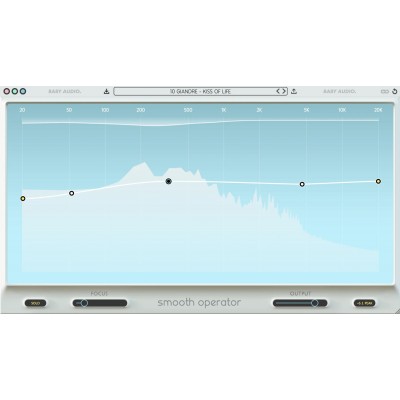
Baby Audio Smooth Operator Pro is designed to clarify a mix by removing "excess" frequency energy that tires the ear: narrow resonances, harshness, bloated low-mids, aggressive highs, and masking phenomena between instruments. It can be used both for corrective purposes (cleaning a vocal, an overhead, a guitar, a synth) and for sound shaping to rebalance the tonal character of a track or bus without the typical artifacts of some static EQs or multiband compressors.
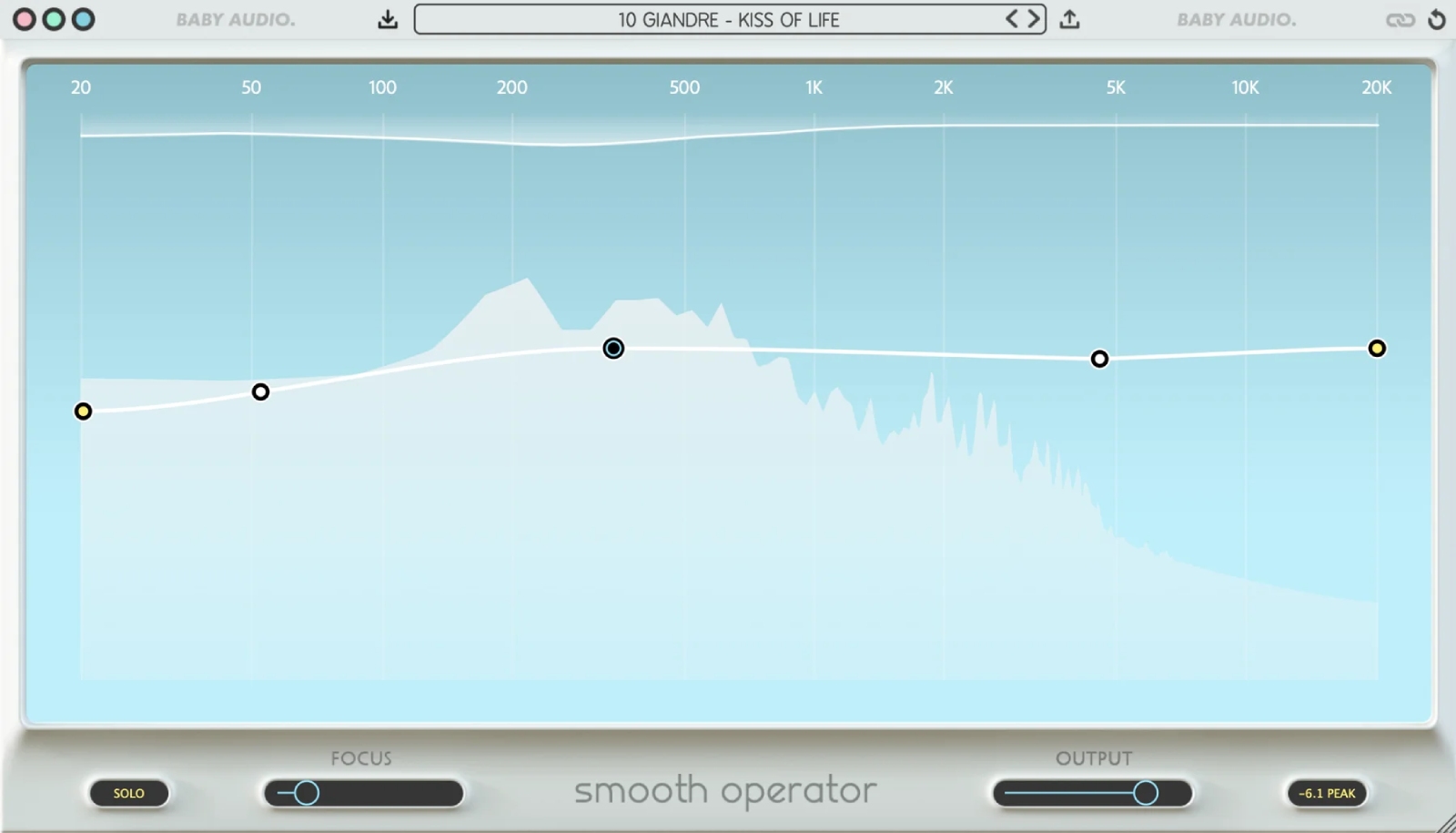
The principle is that of an extreme multiband compressor: the spectrum is divided into a multitude of bands. As soon as an area exceeds the defined threshold, Smooth Operator Pro attenuates only the excessive energy in that spot. The result: you can address very narrow issues (resonances) without crushing the rest of the signal, helping to preserve the naturalness of transients and musicality.
You can draw your threshold curve by freely adding and removing nodes on the spectrum. This allows you to target a register more aggressively (for example, a harshness zone) while letting other areas breathe more. The plugin can thus be used as a quick "cleaner" or as a more precise correction station when you want to sculpt a tonal signature.
Thanks to the FOCUS parameters, you decide how fragmented the processing should be. Increasing the DETAIL and ISOLATION settings makes the behavior extremely fine, down to thousands of micro-zones, ideal for hunting resonances without affecting the rest. Conversely, a softer setting approaches a global balancing, perfect for smoothing a bus or an instrument that is too "messy."
Where many tools impose a single behavior across the entire spectrum, Smooth Operator Pro allows you to replace global settings with individual settings on a specific node. You can thus create different dynamic profiles depending on the zones: soften a vocal presence, tame a harsh cymbal, or clean up bass buildup in the sides, all within a single instance.
The plugin facilitates "intelligent" interventions such as treating a register only on the sides to open up a mix, or stabilizing a problematic area without degrading the overall width. This approach is particularly effective on overheads, stereo pianos, pads, and dense arrangement buses.
With Even and Skew, you choose the correction philosophy that best suits your needs: a more neutral and homogeneous behavior, or a more focused response, useful for aligning with very dynamic sources or timbres that require a more "guided" correction.