30-day satisfaction guarantee or your money back
Call us : +33 257 880 074
 en
en 









Complete software

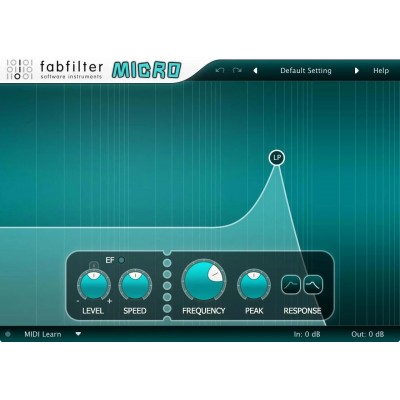
FabFilter Micro is a creative filtering plug-in designed to shape timbre instantly, both in mixing and sound design. It allows you to clean up a track (reduce unnecessary lows, tame harsh highs), create transitions (build-ups, breakdowns, "sweeps"), and add movement to a source thanks to the envelope follower. Its filter can remain subtle for a clean result or become a true effect tool by pushing resonance and gain to achieve analog-inspired saturation, perfect on drums, basses, synths, vocals, and effects.
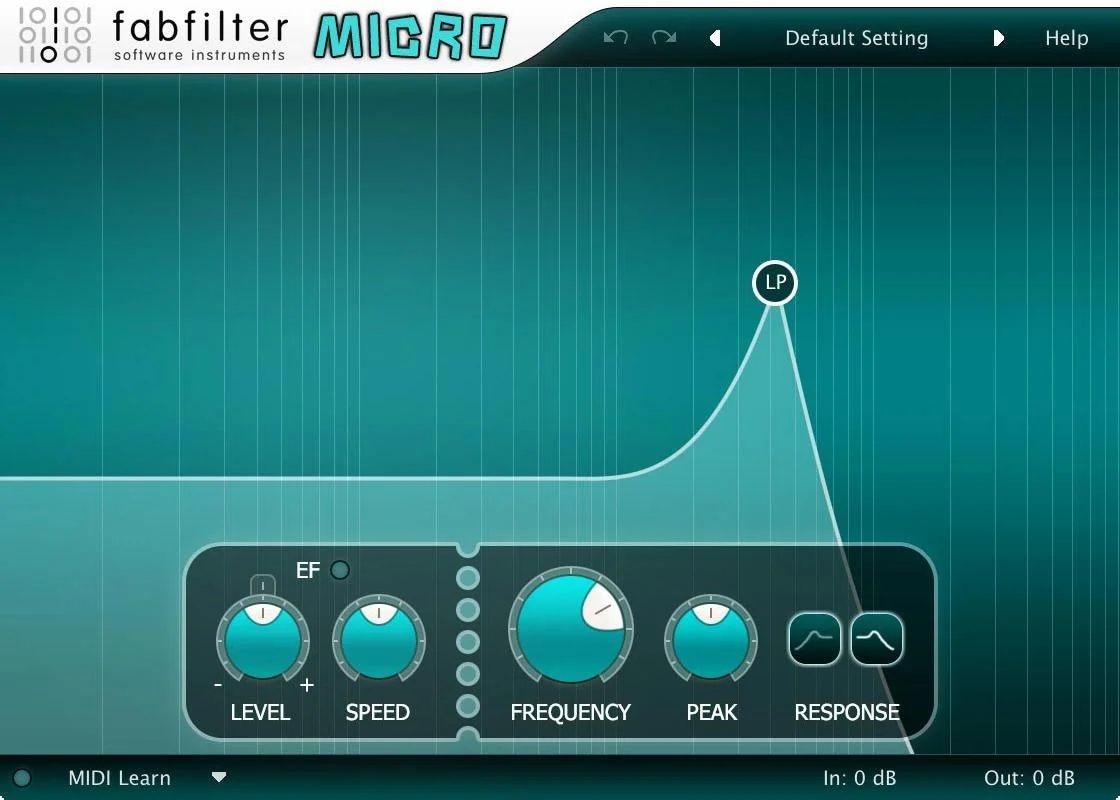
At the heart of Micro is a musical filter capable of moving from transparent processing to a more aggressive color. By adjusting the cutoff frequency and resonance, you get "wah"/sweep-type effects, tonal accentuations, and, when desired, resonance pushed to self-oscillation for more radical textures and effects.
The low-pass and high-pass shapes cover most production needs: spectral cleaning, emphasizing a frequency range, creating space in an arrangement, or DJ-style effects for transitions. The workflow remains intentionally straightforward: a single filter, a clear interface, and quick results.
The envelope follower modulates the cutoff frequency based on the dynamics of the incoming signal. The result: a filter that "breathes" with the source. On a bass line, it accentuates the attack and adds bounce; on drums, it can make the groove more energetic; on guitar or vocals, it adds an organic and reactive feel, ideal for bringing a sound out of static.
FabFilter Micro features independent input gain and output gain controls to precisely manage the amount of saturation generated by the filter. You can "drive" the signal into the internal stage to thicken a sound, then adjust the final level to maintain clean gain staging in your mix. This approach makes it an excellent choice both for utility filtering and for distortion and saturation effects with a musical grain.
The modern interface highlights a large interactive filter display: you visualize and manipulate settings intuitively, speeding up the search for the right cutoff point and character. To fit into a demanding production environment, Micro also offers essential functions like Undo/Redo, intelligent interpolation for smoother parameter transitions, and sample-accurate automation for ultra-precise movements.
To get started immediately, Micro includes basic factory presets, useful for getting familiar with the plug-in's logic. It is available in mono and stereo versions depending on your track, and features MIDI Learn to quickly assign parameters to hardware controllers for a more performative and expressive approach. A comprehensive help file with tips and interactive assistance accompanies the plug-in to deepen the workflow.