30-day satisfaction guarantee or your money back
Call us : +33 257 880 074
 en
en 









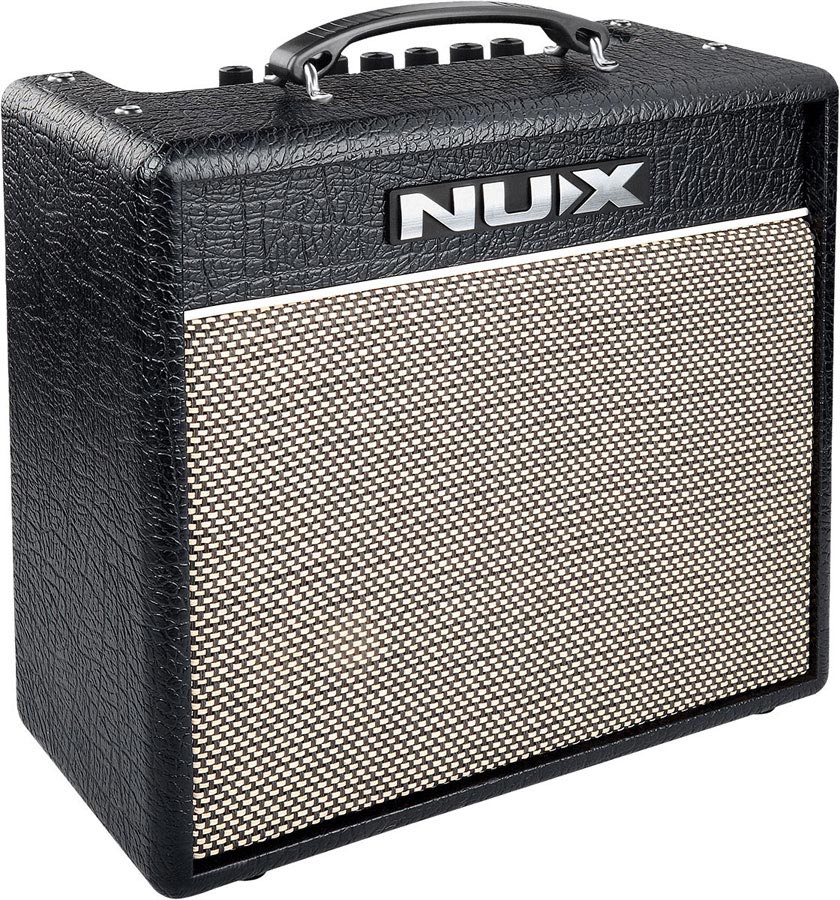


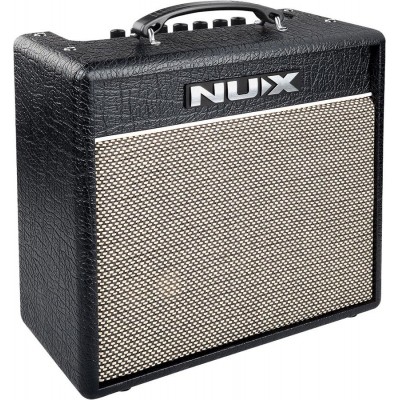
Following the launch of the Mighty BT series in 2018, NUX has evolved its vision of modeling amps with this second generation "MK2". The Mighty 20 MK2 takes up the idea of the all-in-one compact combo but modernizes ergonomics, connectivity, and sound editing to fit current uses: rich presets, app control, and practical features oriented towards practice and home studio.
The NUX Mighty 20 MK2 is aimed at guitarists from beginners to advanced players who want an amp that is simple to use on the front panel but very deep when accessed via the app. It is ideal for working at home (including silent practice with headphones), rehearsing in small groups, and creating varied sounds without multiplying pedals. The covered styles are broad: pop, funk, blues, rock, hard rock, modern metal, and anything requiring precise cleans, punchy crunches, or denser saturations.
Its architecture is organized around 7 fully configurable channels/presets, with 3 "scenes" per preset (variations of settings/modelings) and an Active function for quick access to your favorites. The 8 blocks (Gate, EFX, AMP, EQ, MOD, DLY, RVB) can be freely arranged, with a Patch Level setting to even out volumes between presets. Regarding content, the amp includes 21 amp modelings, 13 overdrives/distortions, 13 modulations, 5 delays, 5 reverbs, 3 compressors, 2 equalizers, 1 filter, and a noise gate. Connectivity makes the difference: Bluetooth via NBT-1 (USB-C) to control the Mighty Amp mobile app (and stream audio), and USB-B to Mighty Editor on PC, with preset/scene saving/export, firmware updates, and advanced audio functions (cab sim, reamping, Loop Back for livestream).
The Mighty 20 MK2 is a modeling amp designed to offer a wide palette of tones, from spacious cleans to modern high-gain, with a dynamic response designed to remain clear even with effects. Its G8-20 custom tuned 8-inch speaker aims for a balanced output across the spectrum, useful both for internal modelings and as a "pedal platform" use. To highlight an external preamp or your pedalboard, it is possible to disable the AMP block to use the amp as a power section without modeling coloration.



 Verified
 Certified
Verified
Certified
Verified

 Verified