30-day satisfaction guarantee or your money back
Call us : +33 257 880 074
 en
en 









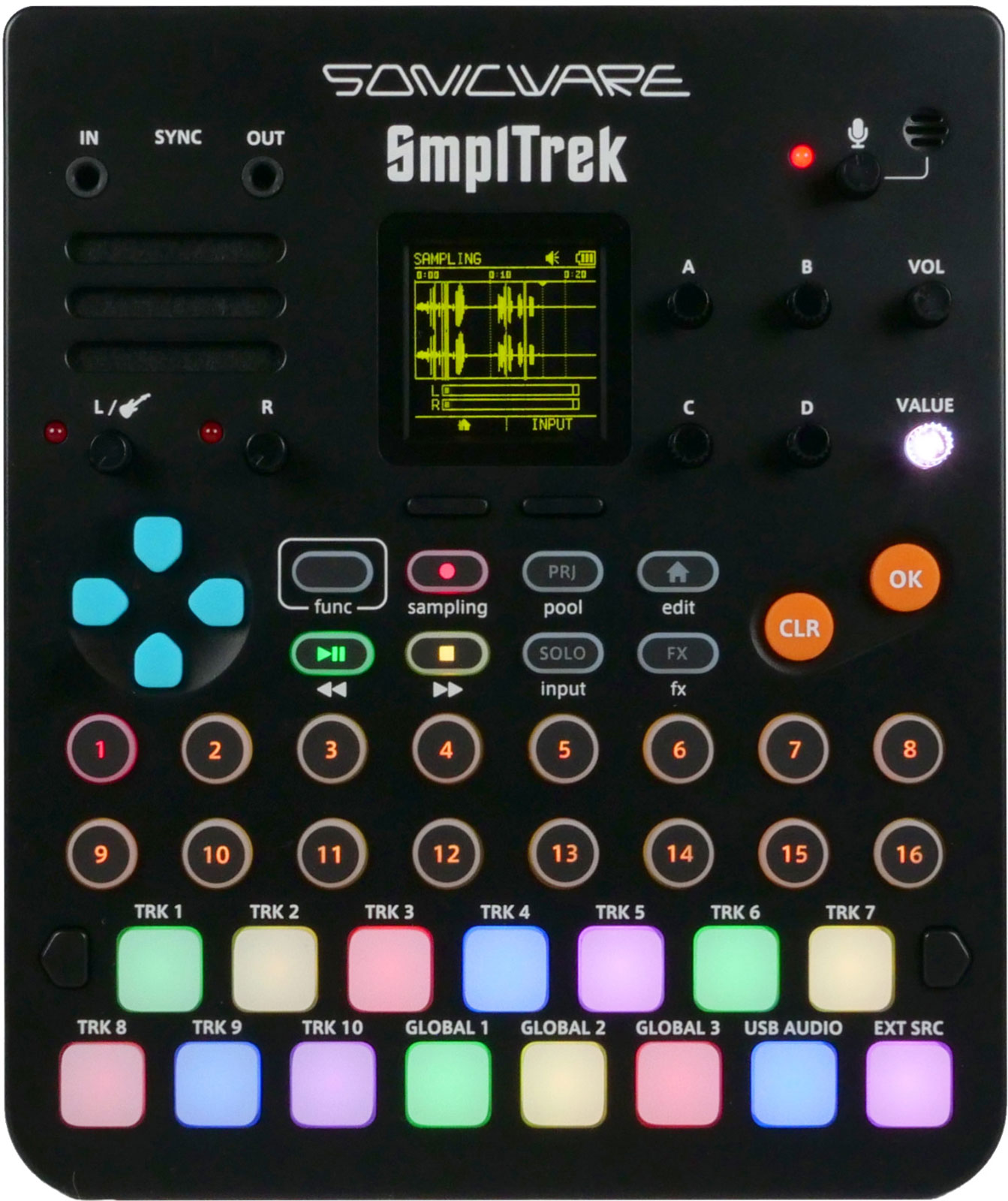


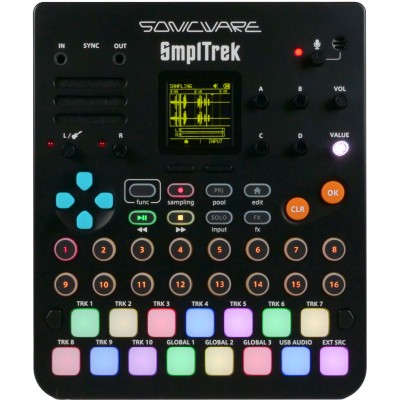
The SmplTrek falls into the category of grooveboxes focused on sampling and songwriting: capturing a source in seconds, transforming it with effects, assigning it to pads, then building a structured track scene by scene. Its approach emphasizes a direct workflow, with fine editing thanks to waveform display and functions that speed up arrangement and export.
The Sonicware SmplTrek is aimed at beatmakers, producers, and live musicians, from beginner level (thanks to included samples and hassle-free USB streaming) to advanced users (with resampling, scenes, stems, and synchronization). Ideal for hip-hop, lo-fi, electro, techno, ambient, pop, or sound design, it fits perfectly in both home studios and mobile setups, for composing, recording vocals, or preparing a live set based on loops and one-shots.
The SmplTrek makes sampling easy from the built-in microphone, a dynamic microphone, a guitar or bass, synthesizers, or even a USB source from a smartphone or PC/Mac. You can even sample while applying an insert effect (for example distortion on guitar, compressor on vocals), then quickly assign your takes to pads via auto-slicing. Editing remains precise thanks to waveform display, with detailed manual adjustment options, as well as adapting samples to the tempo and key of the track. Resampling allows you to re-record a sequenced phrase including applied effects, useful for freezing a sound and freeing creative resources.
On the composition side, each project contains 16 scenes and each scene offers 10 tracks with distinct behaviors: Loop Track, Shots Track, Drum Track (step sequencer), Instrument Track (piano roll), and MIDI Track (piano roll for external gear), with up to 4 Drum tracks and 4 Instrument tracks usable simultaneously. Three global audio tracks are dedicated to long recordings (vocals, external instruments) with multi-take management, splicing to assemble a better version, and punch-in recording. Arrangement is done by chaining scenes, defining their number of repetitions and order (copy function). Finally, a mixdown via mastering effect allows exporting a stereo audio file or stems (one file per track) for finishing in a DAW. For live use, USB streaming with a single cable lets you broadcast your performance in real time, with crossfade and effects-assisted mixing.